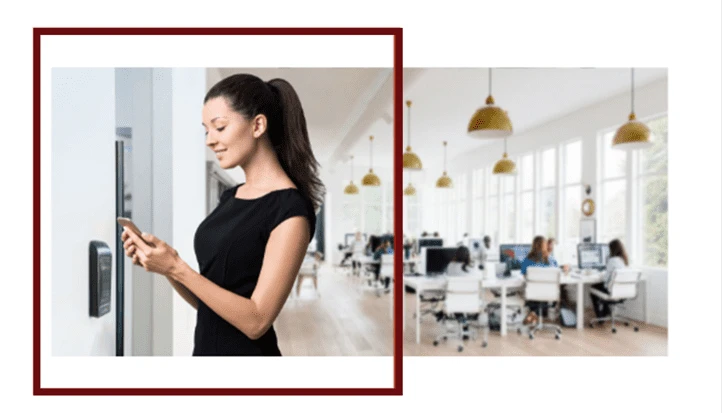
ULTRA Door setup concept
Example 1 · Two-step setup
ULTRA · STEP 1 OF 2
Add a board
Connect the board, then give each door a recognizable name.
ULTRA · STEP 2 OF 2
Name your doors
Names are required. Keep the default icon or select another.
Door 1
Choose a suggestion or type your own name.
Door 2
Choose a suggestion or type your own name.
Setup complete
Assigned door names in Ultra
Personal edits in the phone do not change these records.
Demo only · sample references · changes reset on refresh.
END USER MOBILE APP