

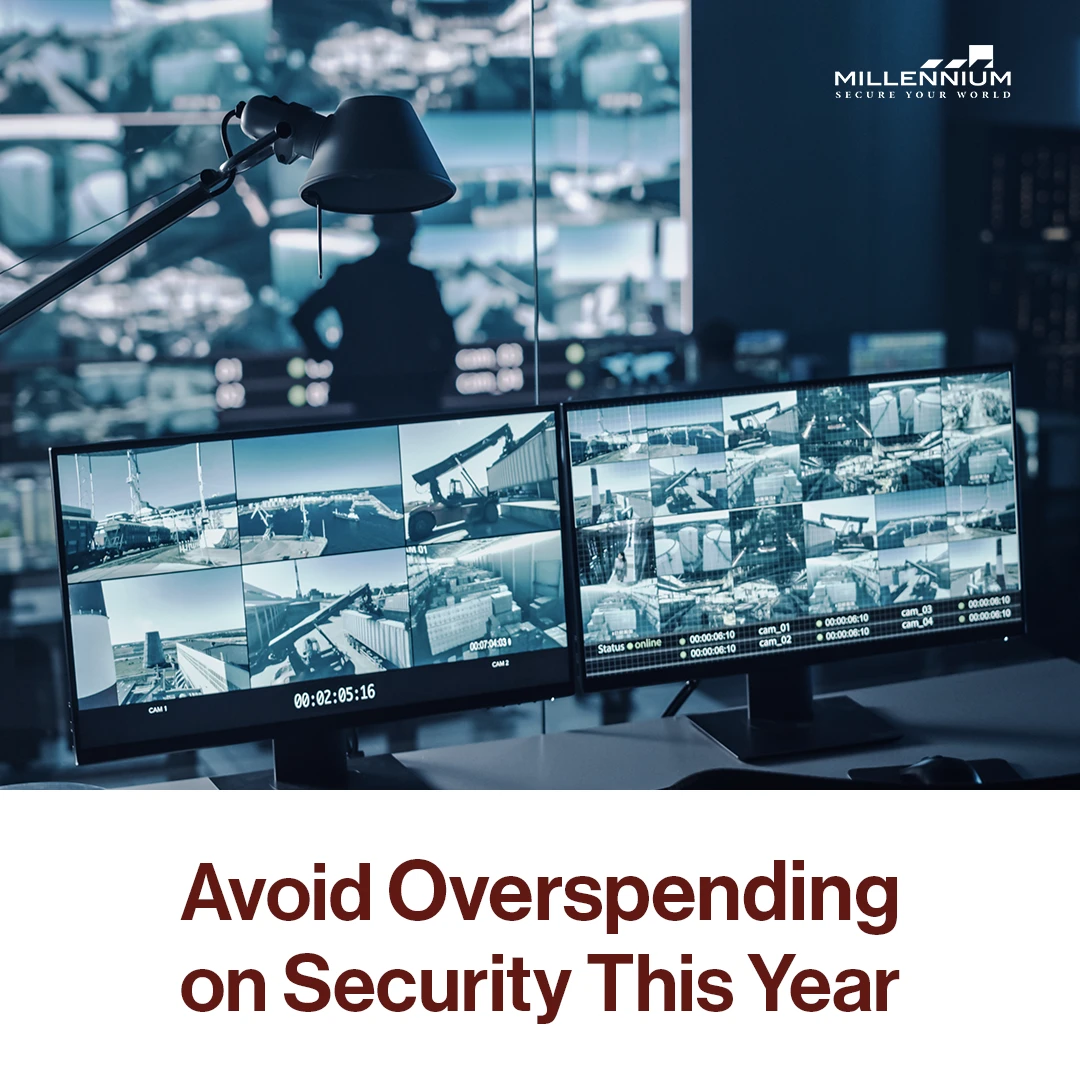
In 2026, security expectations are higher than ever, and facilities of all sizes are being pushed to modernize their access control strategies. But while the benefits of next-generation systems are clear—remote management, cloud connectivity, mobile credentials—the budgeting process can be anything but straightforward.
For property managers, IT directors, and operations teams, setting an accurate and sustainable access control budget is key to avoiding overspending while still investing in the right solutions.
In this guide, we’ll explore practical ways to budget for your access control system in 2026 without compromising on security or scalability.
Why Your 2026 Access Control Budget Needs an Update
The landscape of physical security is evolving quickly. Traditional lock-and-key systems are being replaced by cloud-based access control solutions that integrate seamlessly with other building technologies. This evolution brings new opportunities—and new budget considerations.
According to a recent study by IDC, nearly 40% of businesses have already adopted cloud-based access control, with that number expected to grow rapidly as organizations prioritize flexibility and remote management【13†source】.
If your current budget model only accounts for hardware upgrades or one-time capital expenditures, it may not reflect the recurring subscription fees, software updates, or integration costs that are common with modern systems.
Step 1: Start With Your Access Control Goals
Before you start pricing hardware or software, define your top security priorities:
Do you need to manage multiple buildings remotely?
Are mobile credentials important for your tenants or staff?
Do you want to integrate with CCTV, HVAC, or identity platforms?
Are you preparing for regulatory audits or compliance needs?
Answering these questions helps determine the scope of your access control system and guides your cost planning accordingly.
Step 2: Understand Total Access Control Cost (TCO)
Access control cost goes beyond readers and door hardware. A full Total Cost of Ownership (TCO) model should include:
Initial hardware (readers, controllers, wiring, locks)
Software licensing or subscriptions
Cloud hosting or on-premise server costs
Mobile credentials or key fobs
Installation and setup labor
Training for users and administrators
Ongoing maintenance and support
Cloud-based systems often reduce upfront costs by removing the need for dedicated servers and costly maintenance, but they shift expenses to predictable monthly or annual subscriptions【13†source】.
Step 3: Plan for Scalability and Future-Proofing
One of the biggest hidden costs in security is ripping out and replacing outdated systems. Instead, look for solutions that scale with your property and can adapt to new technologies.
Cloud-native platforms like Millennium Ultra are built for scalability. They support remote management, mobile access, and integrations with third-party tools—without requiring hardware overhauls.
A forward-thinking access control budget should allow for:
Adding new doors or locations easily
Upgrading firmware and software remotely
Supporting new access methods (e.g., biometrics, mobile)
Compliance updates as regulations evolve【12†source】
Step 4: Build a Phased Budget Plan
Not every upgrade needs to happen all at once. In fact, many successful teams build their access control systems in phases:
Phase 1: Upgrade high-priority doors (server rooms, main entries)
Phase 2: Expand to secondary areas and staff-only zones
Phase 3: Integrate cloud management and mobile access features
Phase 4: Sync with other building systems (e.g., HR, elevators, HVAC)
Breaking your access control budget into phases allows for greater flexibility and ensures you don’t overspend upfront.
Download the Cloud Access Control Checklist
your 15-step, printable guide to building a secure, scalable, and cloud-ready system.
Includes: PoLP setup, MFA guide, permission audit worksheet + a bonus printable template.
Step 5: Compare Cloud vs. On-Premise Options
Each model has unique budgeting needs:
Cloud-Based Access Control:
Lower upfront hardware costs
Subscription-based pricing
Includes software updates and remote management
Scales easily with business growth
On-Premise Access Control:
Higher initial costs (servers, hardware)
No recurring fees, but higher maintenance
Requires internal IT resources for updates
In many cases, cloud-based systems provide a better long-term value, especially for growing or distributed organizations【13†source】.
Step 6: Account for Training and Change Management
Even the best access control system can fail if users aren’t trained properly. Your budget should include line items for:
Administrator training sessions
User onboarding materials
Policy documentation
System health checks and audits【10†source】
This upfront investment reduces future costs tied to human error, security breaches, or inefficient system use.
Step 7: Review Compliance and Risk Mitigation Needs
Are you in a regulated industry? Your access control system may need to support specific features like:
Detailed audit logs
Restricted area tracking
Multi-factor authentication (MFA)
Integration with compliance platforms
These features impact your access control cost, but also protect your organization from fines, legal action, and reputational damage【12†source】.
Final Thoughts: Spend Smarter, Not Less
Creating a solid access control budget doesn’t mean choosing the cheapest option—it means choosing the right solution for your team, your property, and your future.
Modern systems like Millennium’s cloud-based platform help balance cost and capability by offering scalable, remote-managed solutions that grow with your needs.
Want to simplify your security planning in 2026? Start with a smarter access control system that fits your goals and budget.
Ready to future-proof your facility? Learn more about Millennium’s access control system and how we can help you design a scalable, secure solution for 2026 and beyond.
Millennium is a scalable, hosted, access control platform that services any type of real estate. Our cloud-based solution allows managers and tenants to efficiently manage their physical security from anywhere while enhancing experience and driving profitability.